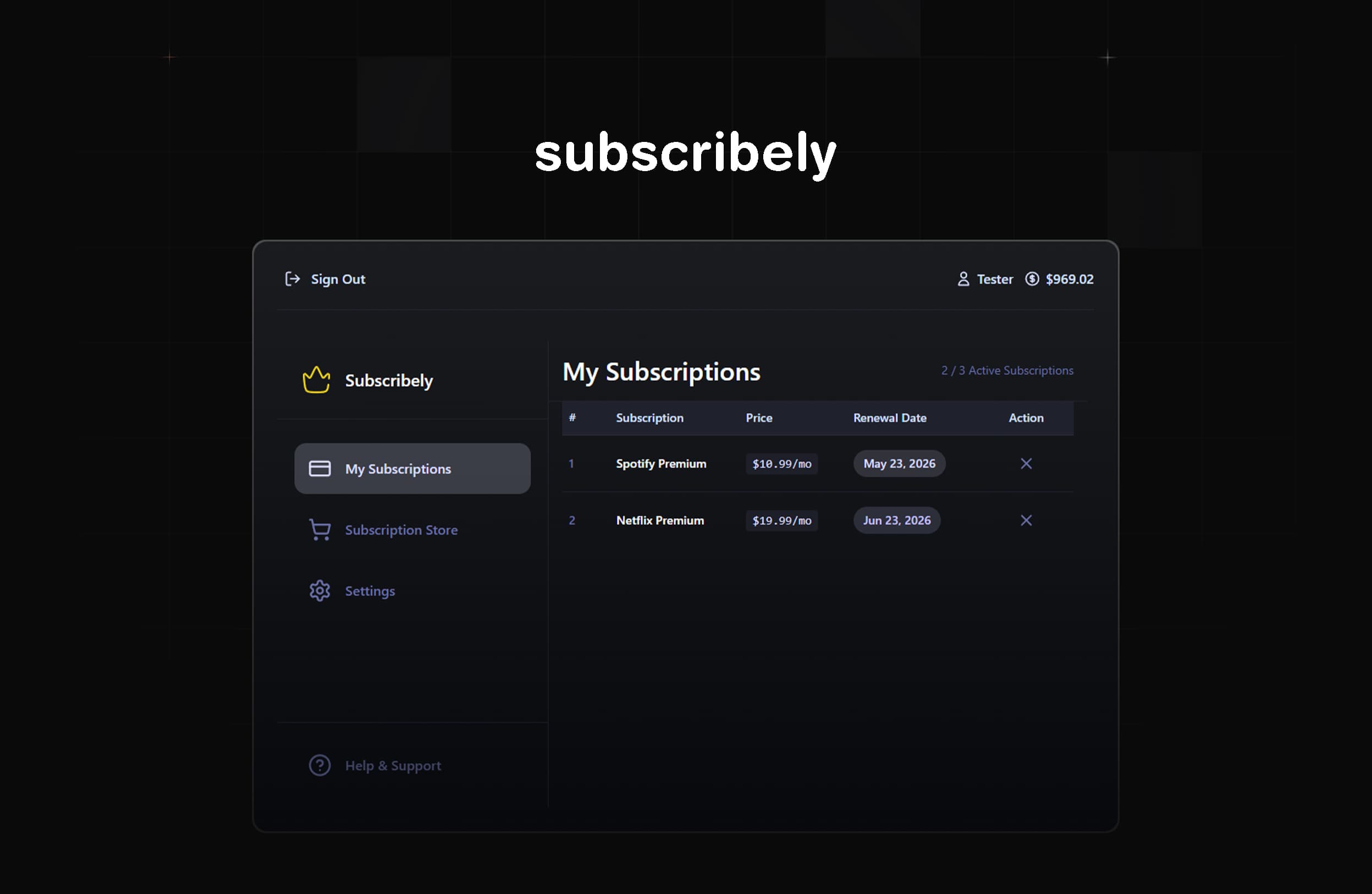
Modern subscription-management demo built with a Next.js + MongoDB stack β a focused showcase of role-based access, subscription flows, and containerized deployment.
β¨ Snapshot / Quick Facts
Scope: 2-month creative project (technical showcase, not a production business app)
Primary goal: Demonstrate a full subscription system with role-based access control, secure auth, email flows, and Dockerized dev/deploy experience
License: MIT
π Overview
Subscribely is a demo app that implements a configurable subscription marketplace with Admin and User roles. It contains end-to-end subscription flows (purchase, cancellation, admin revocation), account balance handling, email notifications, and developer-friendly deployment via Docker and Vercel.
Note: This project is a technical showcase β useful for portfolio, learning, and demos β not intended as a ready-for-market product.
β¨ Showcase
π§ Features
Authentication & Roles
User registration & login
Role-based access control (Admin / User)
Secure JWT-based authentication
User Capabilities
Default USD balance on new accounts
Browse βSubscription Storeβ
Purchase subscriptions (max 3 active)
Cancel subscriptions
Profile settings and account deletion option (work-in-progress)
Admin Capabilities
Create / edit / delete subscription packages
View all user subscriptions across platform
Revoke user subscriptions (triggers automatic email)
# Clone
git clone https://github.com/dan0dev/Subscribely.Subscription.Manager.git
cd Subscribely.Subscription.Manager
# Install deps
npm install
# Dev server
npm run dev
# App will run at http://localhost:3000
Docker (recommended for parity)
Prereqs: Docker 20.10+, Docker Compose v2+
# Clone & enter
git clone https://github.com/dan0dev/Subscribely.Subscription.Manager.git
cd Subscribely.Subscription.Manager
# Create .env from template and fill values
# Start (build + run)
docker compose up --build
# For development with live reload
docker compose up
π³ Environment Variables
Set these in .env.local or the Docker environment: