Feb 8, 2026
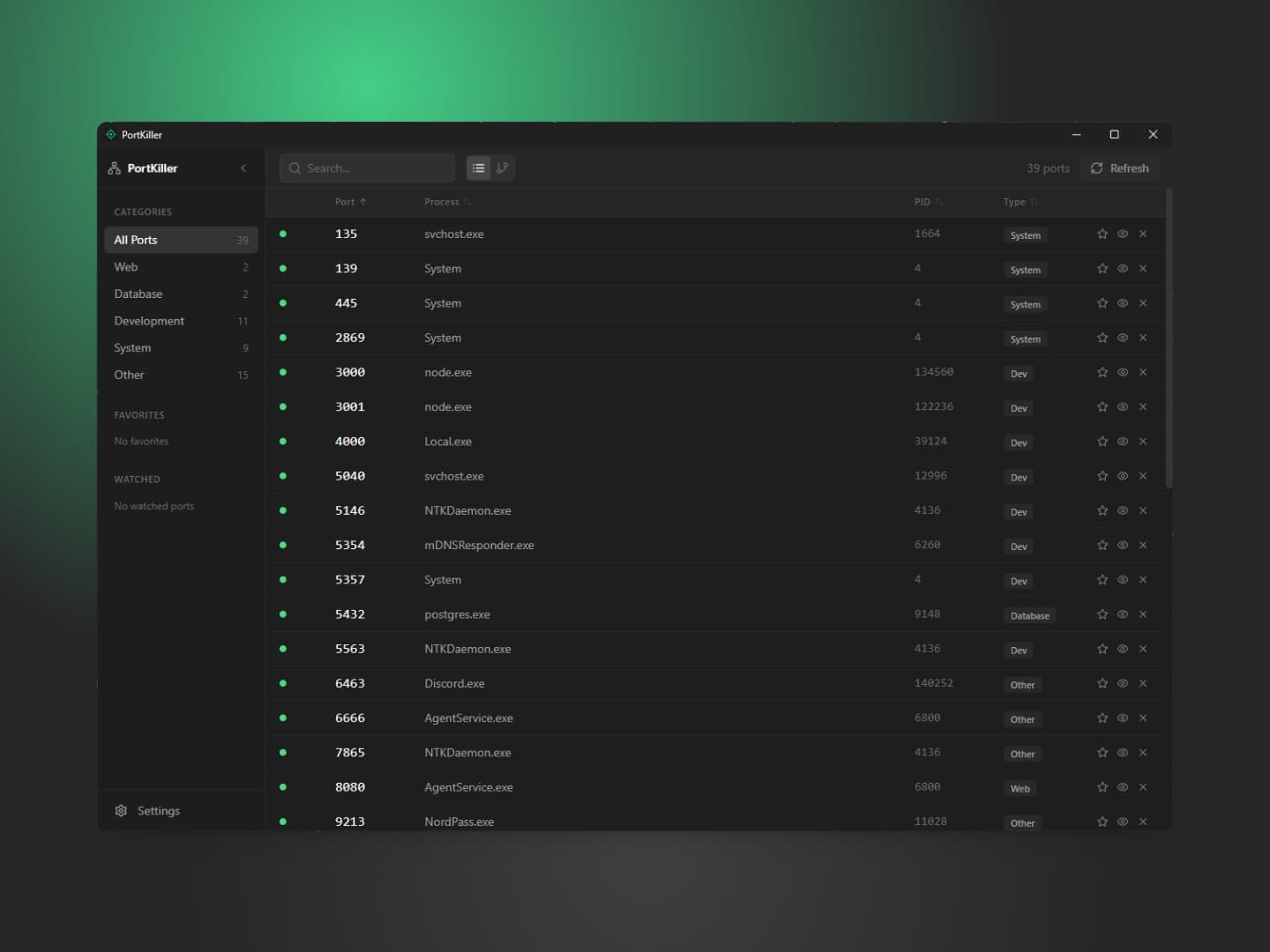
PortKiller for Windows — quick, local port & process inspector with one-click kill and watchlists.
A Windows port of @jamiepine’s Port Killer, rebuilt for Windows using a modern Tauri + React stack.
PortKiller is a lightweight Windows utility that scans listening ports in real time, lets you kill the owning process from the UI, watch favorite ports, and receive system notifications — all with configurable refresh and keyboard-first controls.
PortKiller_1.0.0_x64-setup.exePortKiller_1.0.0_x64_en-US.msinetstat).Ctrl+R — Refresh portsCtrl+K — Focus searchCtrl+, — Open settingsDelete — Kill selected processEscape — Close panel / modal# Clone repo
git clone https://github.com/dan0dev/portkiller-win.git
cd portkiller-win
# Install deps
npm install
# Development
npm run tauri dev
# Build production installer
npm run tauri build
# Output installers:
# src-tauri/target/release/bundle/msi/
# src-tauri/target/release/bundle/nsis/Prerequisites for building
portkiller-win/
├── src-tauri/ # Rust backend (tauri)
│ ├── src/
│ │ ├── main.rs
│ │ ├── lib.rs
│ │ ├── commands/ # tauri commands (ports, process)
│ │ └── utils/ # netstat parsing
│ └── icons/
├── src/ # React frontend
│ ├── components/
│ ├── hooks/
│ ├── stores/ # state (zustand)
│ └── types/
└── dist/ # built frontend assets(Each listed once — see repo for full dev tooling.)
Built as a Windows adaptation of Port Killer by Jamie Pine. This repo ports the concept and UX to Windows while preserving the original’s lightweight usability.
MIT — see LICENSE in the repository.